Dash Coding Game using Blockly app
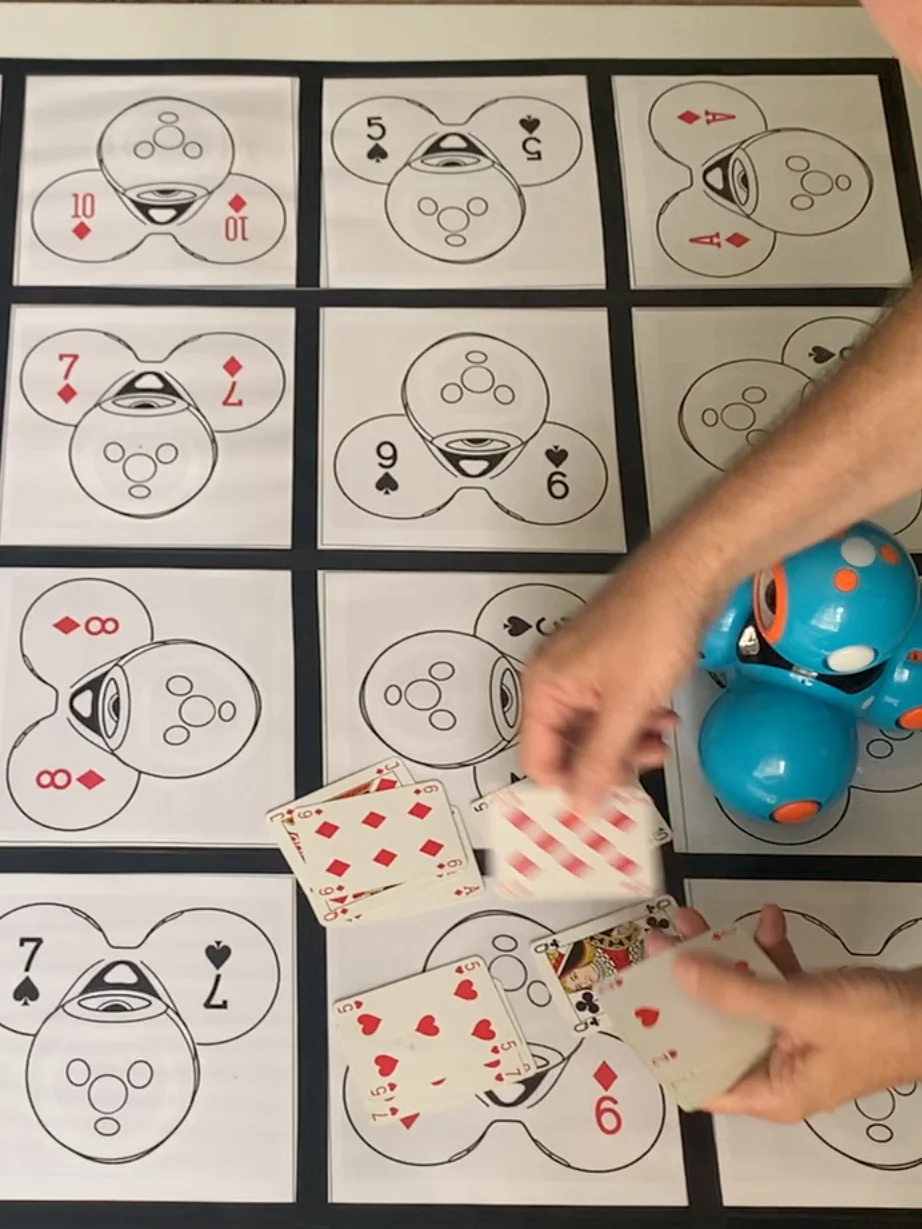
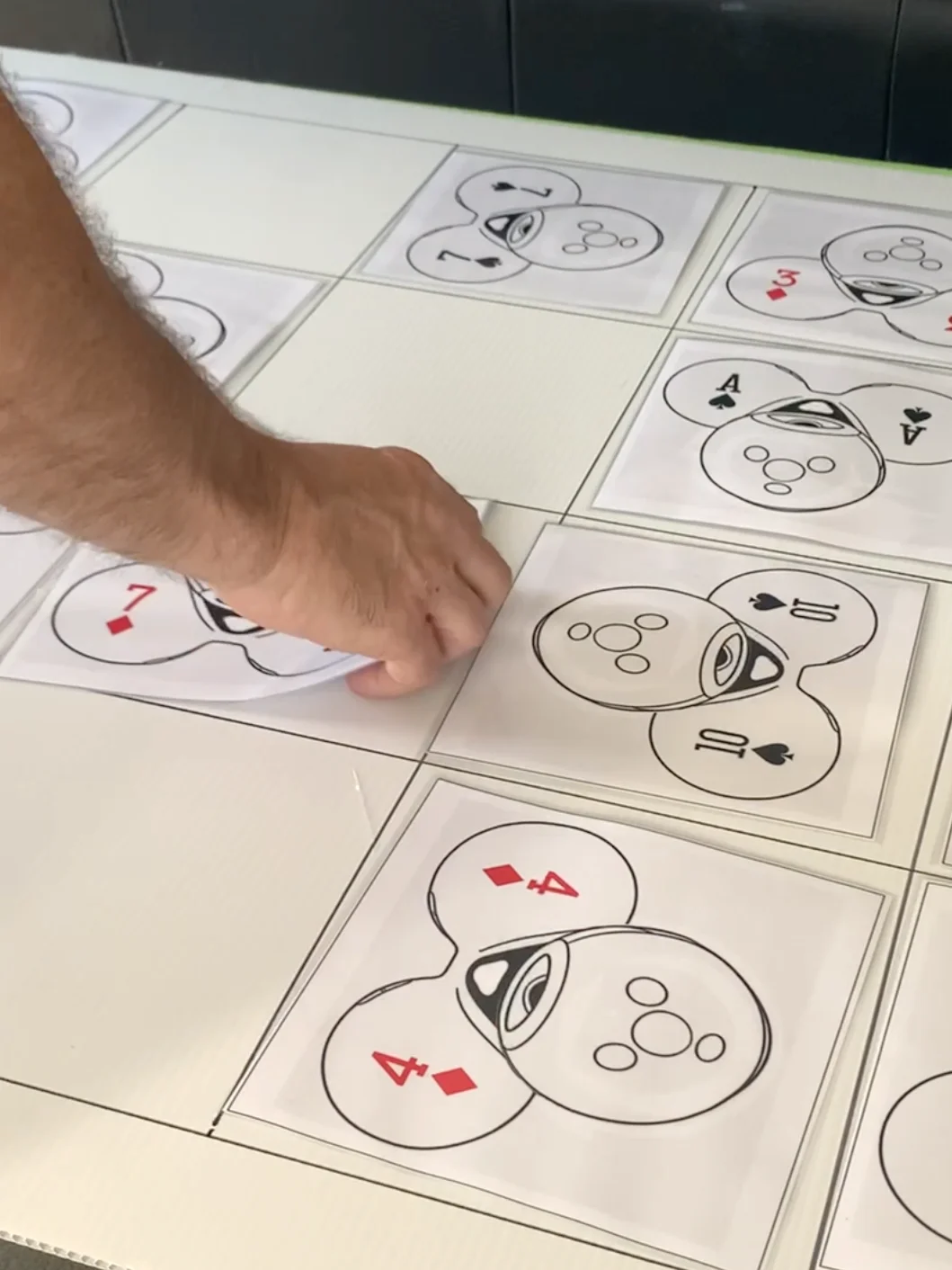
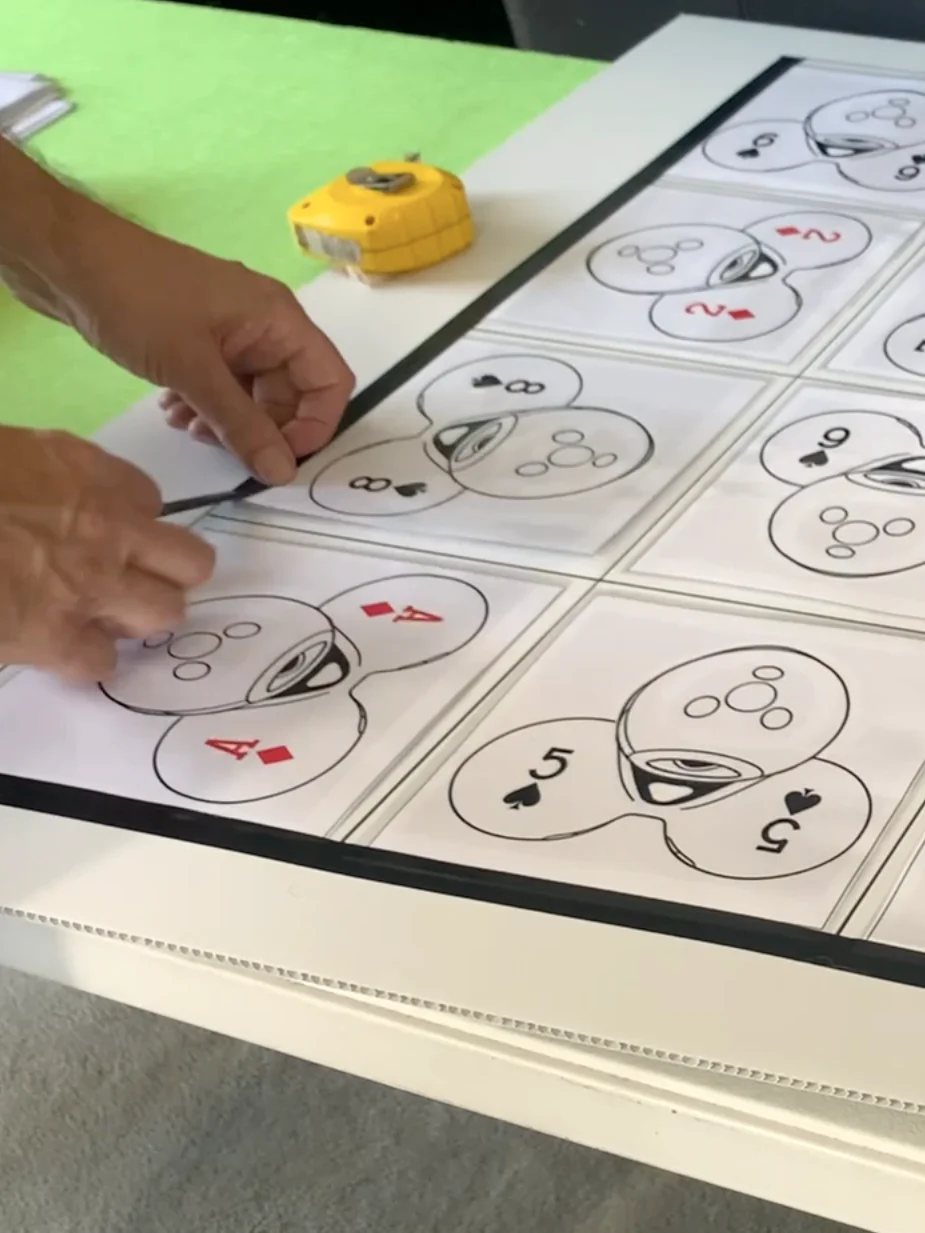
This downlaodable PDF allows you to print and create your own Wonder Workshop board game for Dash Robots! Whether you have one robot or a whole class set, this item will allow you to create a challenging, yet fun board game where you travel around a board, collecting playing cards. There is a twist though... your robot must be facing the right way!
Watch my video (link below) to see more about the game, and print as many copies as you or your school needs! That's right! You can print several copies to suit your needs! If you have lots of Dash robots, print enough for lots of board games! You could easily make 6, 8, 10 or more board games, with this one-off purchase; (I just ask that you don't share these files with anyone, please).
This board game is designed for one or two Dash robots at a time, per board There are several ways to play. (See game options below).
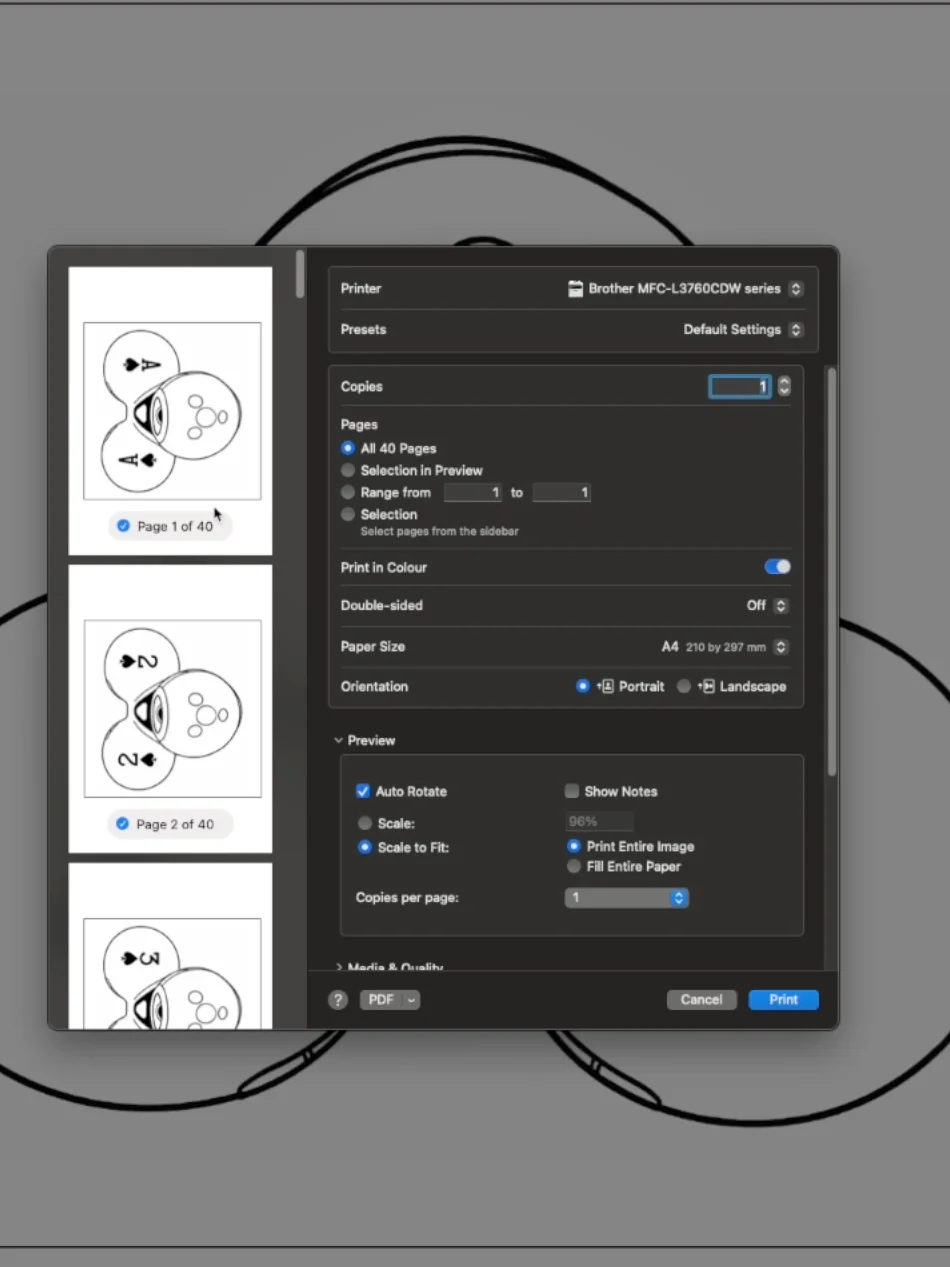
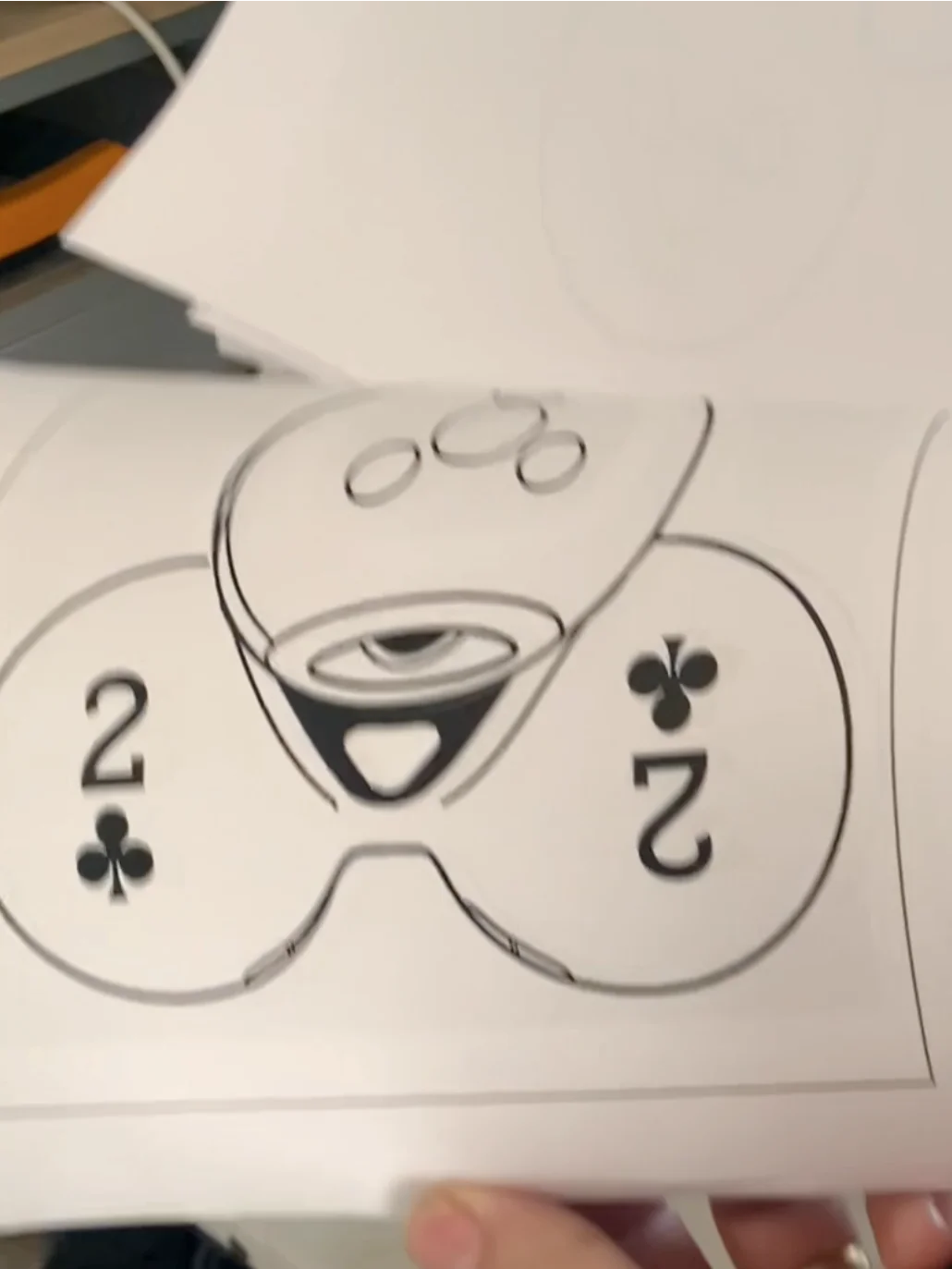
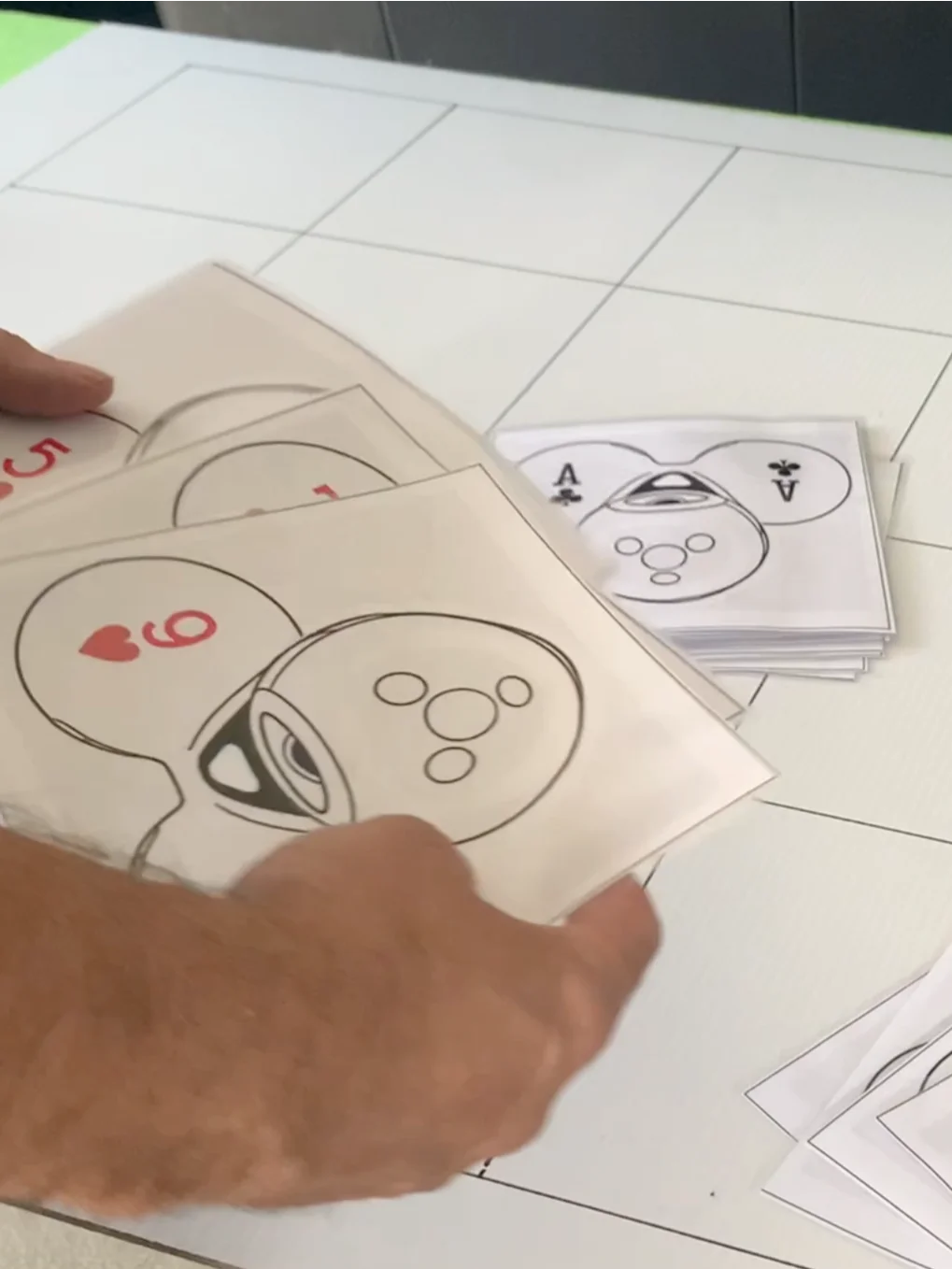
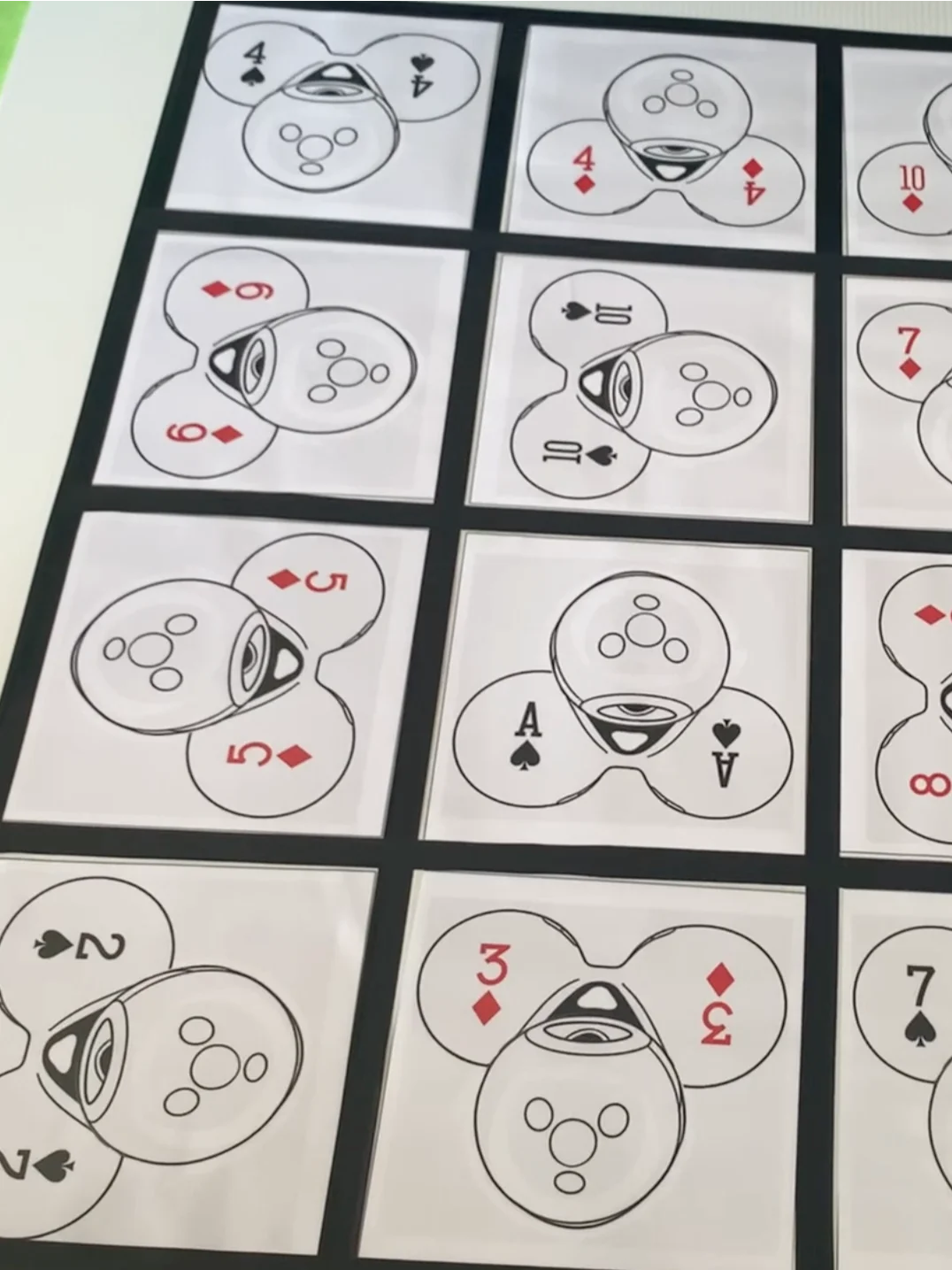
There are two similar copies of the game here. One suits people who use A4 sized paper, and the other for people whose printer used "Letter" sized paper. Both files have 40 images (4 playing card suits on Dash x 10 cards) That's enough for two different board games.
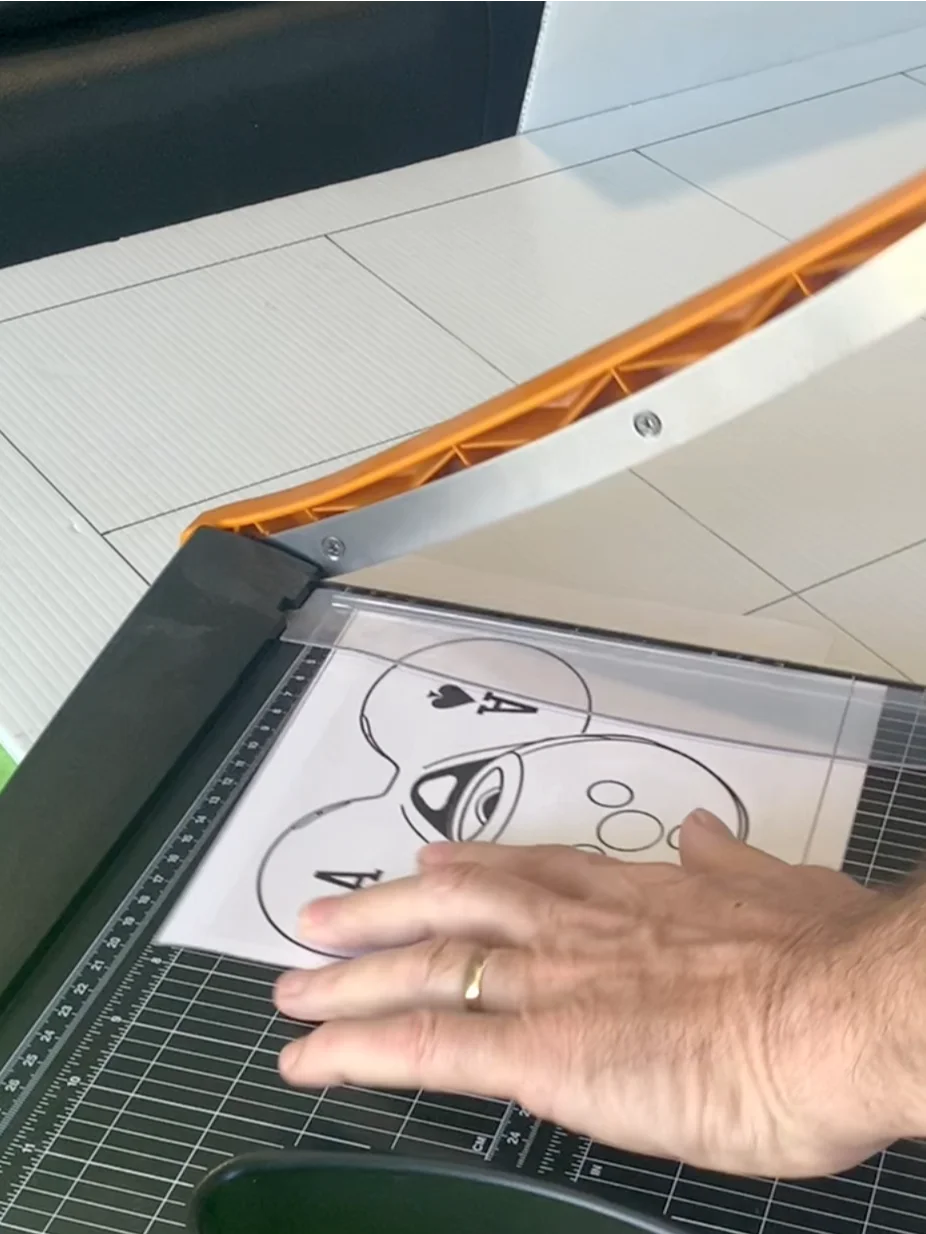
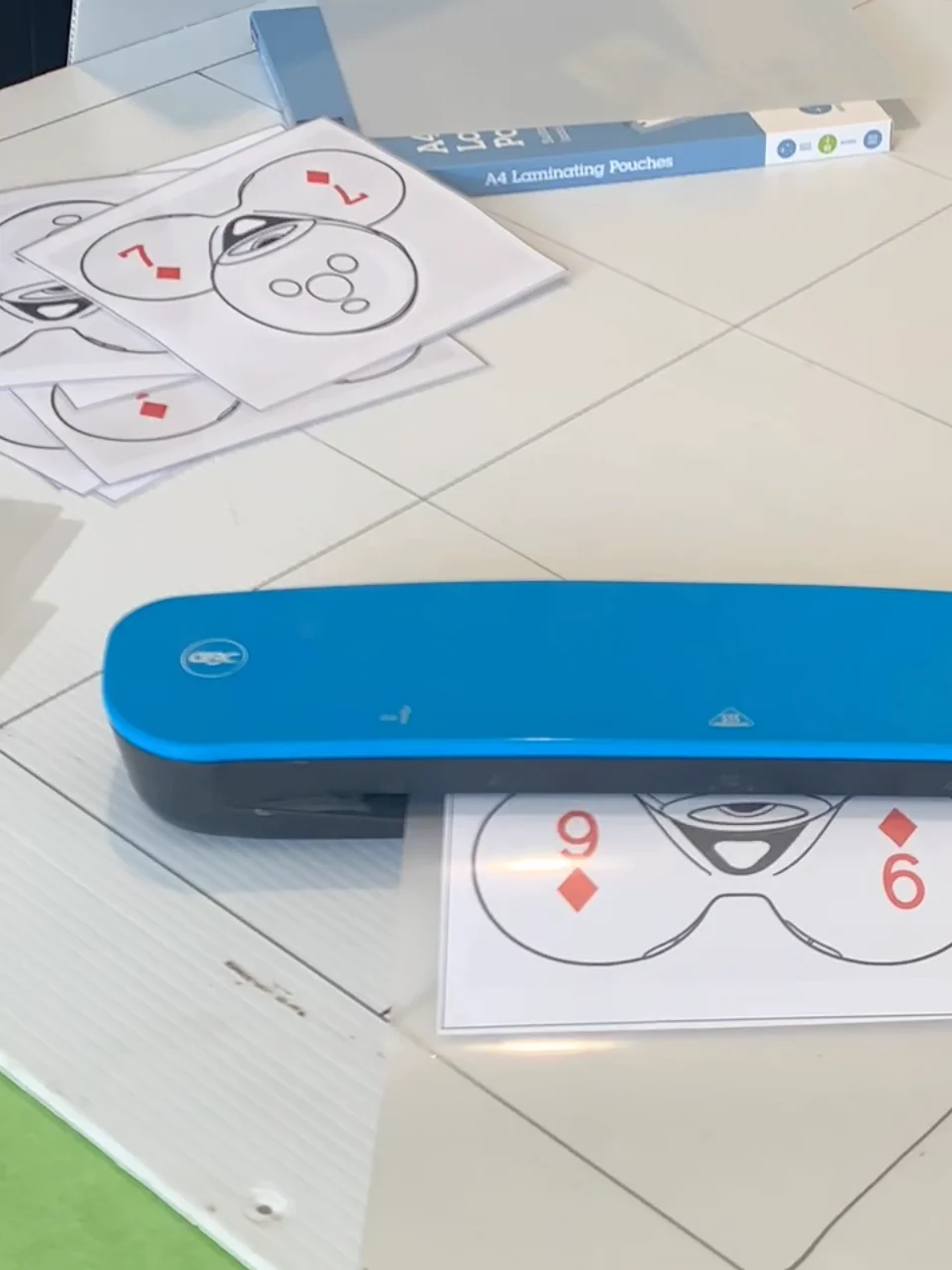
Every image is exactly 19cm x 19cm so it fits perfectly when you want to use electrical tape to secure it into a 20cm x 20cm square.
Here are some game options:
One Player/One robot
The player places the Dash robot on any square, facing it the same way as the image dictates.
Twenty of your own playing cards that match the images are placed face down next to the board.
The player turns over a card and codes their robot to travel to that card’s square. Not only does it have land on the correct square, but it needs to be facing the same way as the image. If correct, the player collects the card and proceeds to attempt the next card. The goal is to collect as many cards as possible, in a given time frame OR to collect all ten card as quickly as possible.
Two Players/One robot.
Same as above however, every time a player taps the green “PLAY” button, it is then the other player’s turn to code. If a player lands on the upturned card, facing the correct way (like the image on the board) then they can collect a card. The next player always continues the game from where the robot lands (correct or not) .
Two Players/Two robots
Both robots are place randomly on any squares (facing the same direct as that square’s image). Players can have ten cards each. They do no have to wait for the other robot to have a turn. They proceed to collect as many cards as possible as if they were playing on their own. Goal, to collect all ten cards before the other player. If they crash into another robot, bad luck! You can either code it to go around them, or wait until they move.
General rules for all versions, above:
1) It is unlikely your robot will land in the exact middle of the square. Whichever square the robot’s front light lands in, that is the square the robot can be lifted and placed in the centre of. If it is the correct square, and facing the correct direction, you can collect the card! If not, you have to wait until the next piece of code is written. The robot should always start in the centre of the square its front light landed in.
2) If the robot completely leaves the board, it can be picked up and placed in the closest square. It needs to keep facing the same direction it was when it stops moving. If it is the correct square, and facing the right way, you can still collect the card! If not, more coding will need to be done.
3) Optional rule (for two players)... instead of counting the number of cards at the end, add the value of each card (per player). Highest score wins.
See my Youtube Video for more tips: https://youtu.be/dpeVlDbenxY
I have spent HOURS making, playing and perfecting this game and now you get a chance to own it for yourself!
Use this purchase to make your own game on 20cm x 20cm squares. I suggest a 4 x 5 grid.
These images + your own pack of playing cards = hours of engaging fun!